从苹果 App Store 下载并安装官方 Trust.Zone VPN 客户端:Apple App Store:Trust.Zone VPN - The #1 Anonymous VPN
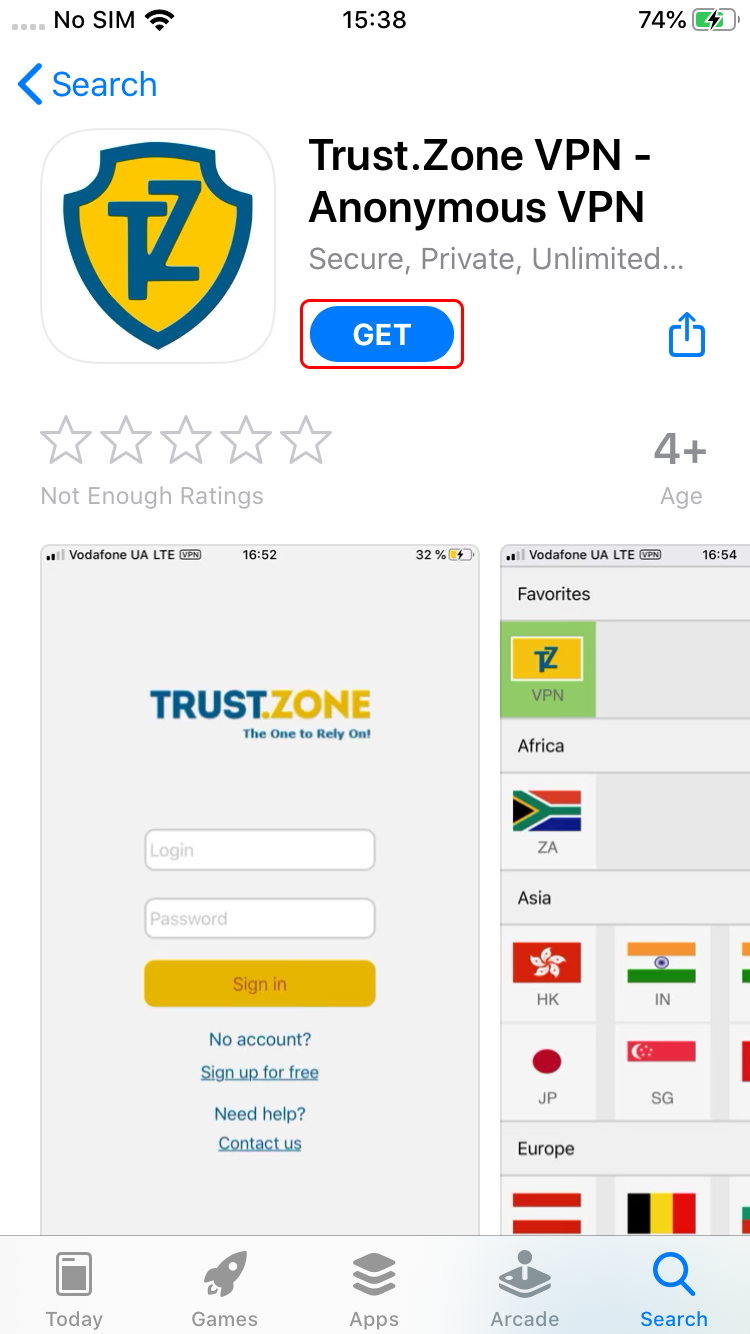
重要提示:iOS 版 Trust.Zone VPN 客户端仅支持 iOS 11.0 及以上版本。
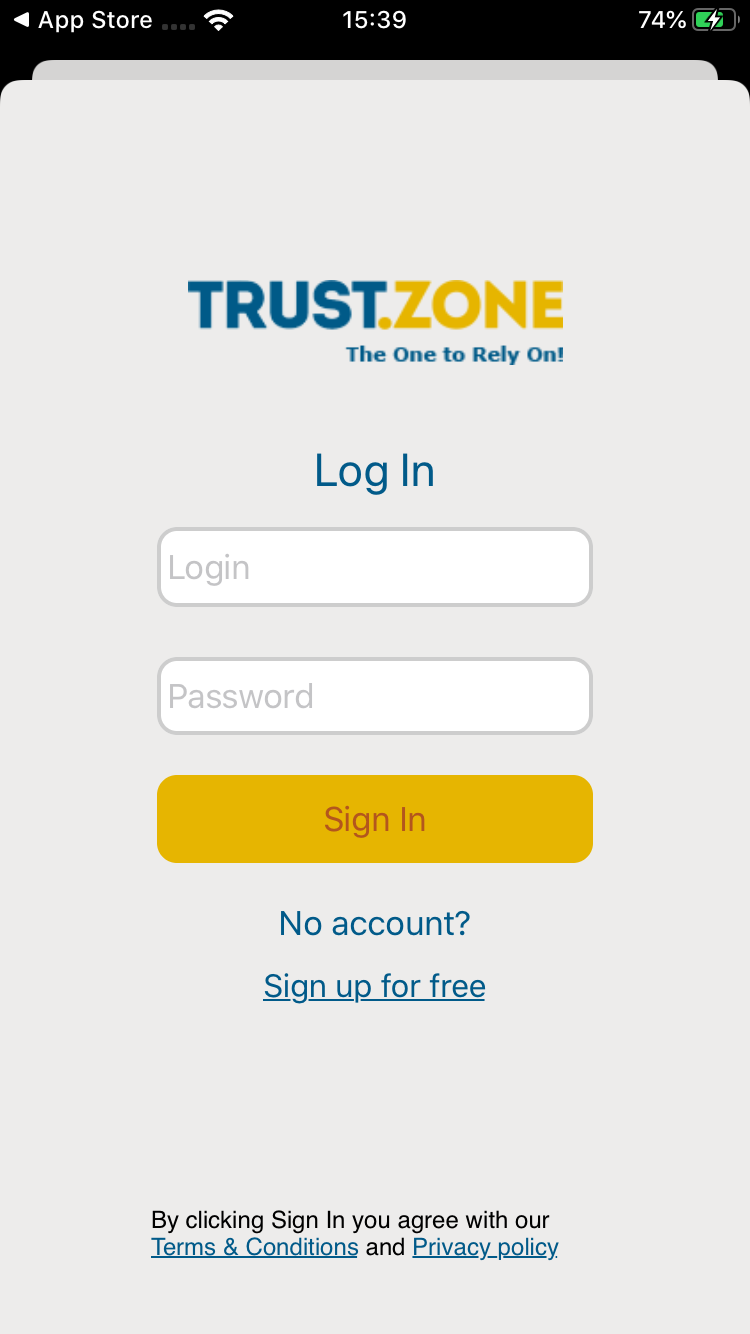
使用您在 Trust.Zone 网站上的邮箱和密码登录 Trust.Zone VPN 客户端。
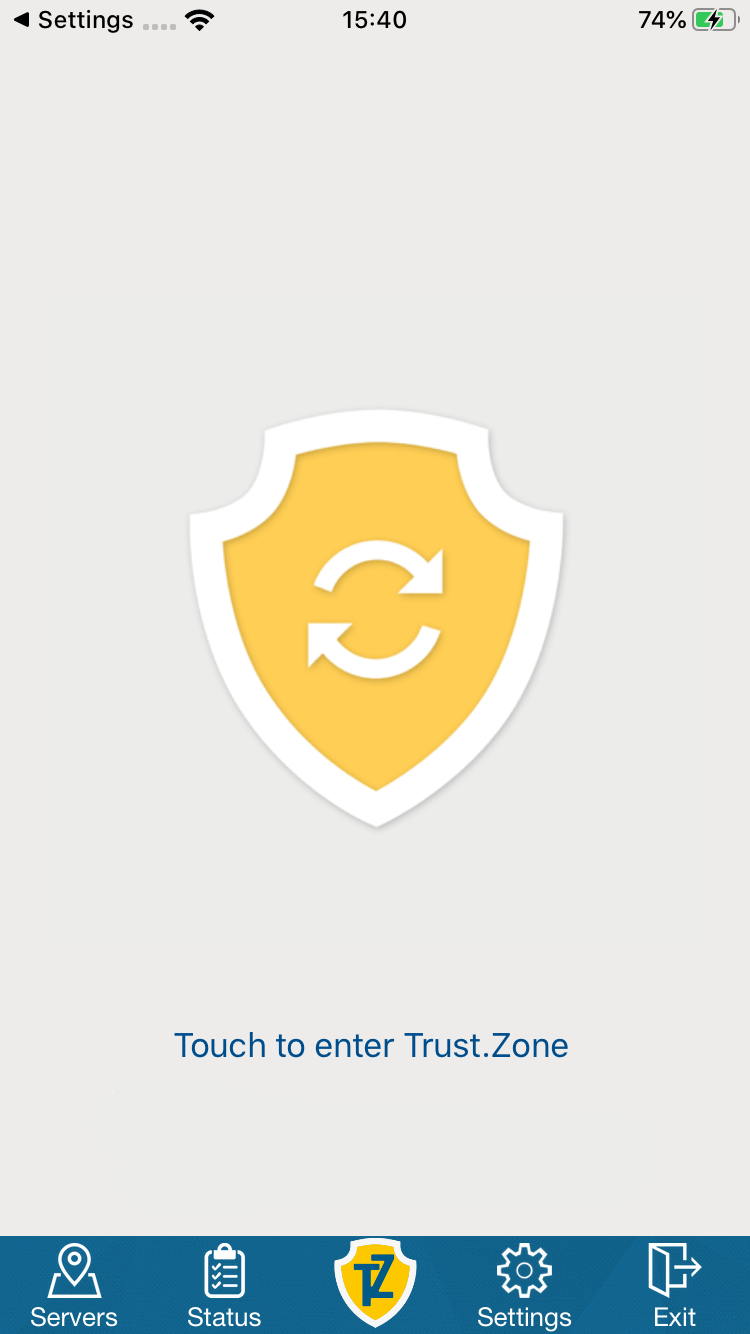
登录后,点击大大的 Trust.Zone 图标即可连接。
Trust.Zone 会自动为您连接速度最快、距离最近的 VPN 服务器。
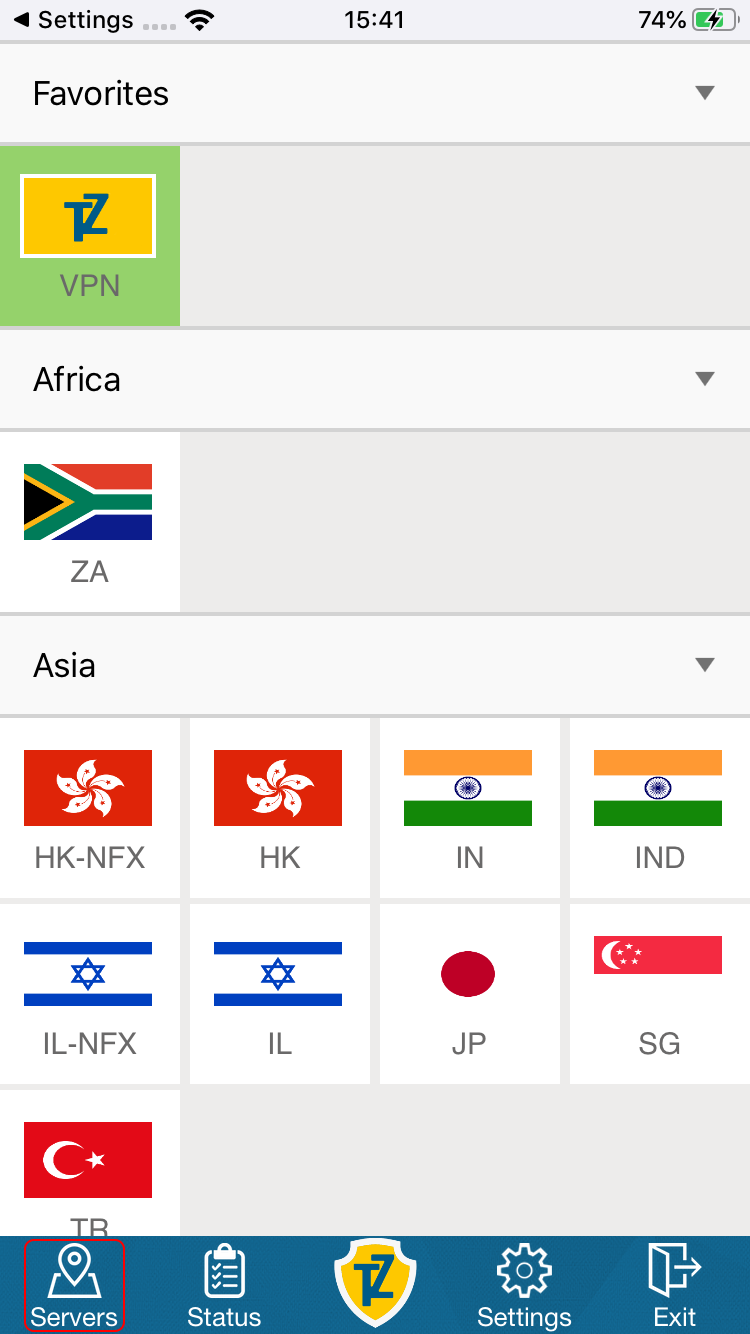
您也可以选择其他 VPN 线路进行连接——请看第 3 步。
点击 Servers 图标,选择想要的 VPN 线路,点击即可连接。
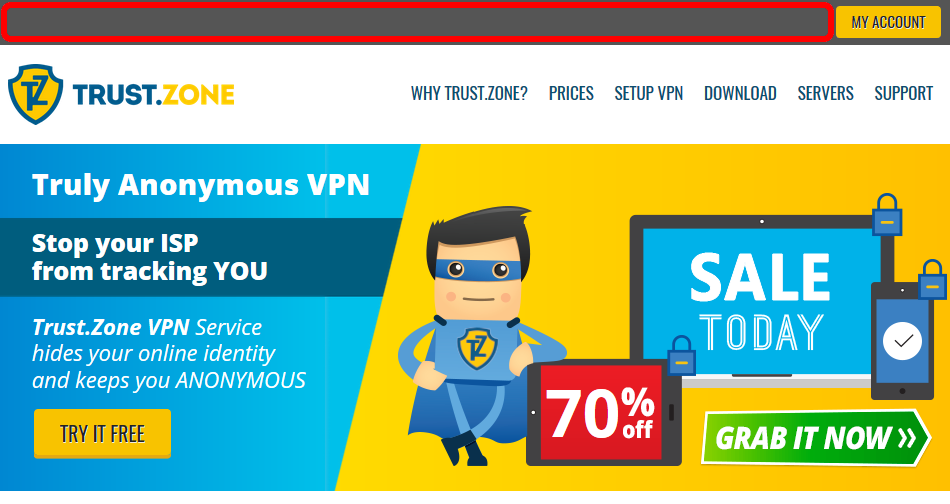
打开 Trust.Zone 首页(如果已经打开,请刷新),确认与 Trust.Zone VPN 的连接是否正常建立。
您也可以访问我们的连接检测页面。
 您的 IP: x.x.x.x ·
  法国 ·
您现在显示在 TRUST.ZONE!真实位置已隐藏!
法国 ·
您现在显示在 TRUST.ZONE!真实位置已隐藏!